
Thumbnails that earn the click
Pick the standard that already works in your niche and start getting more views.
Sound familiar?
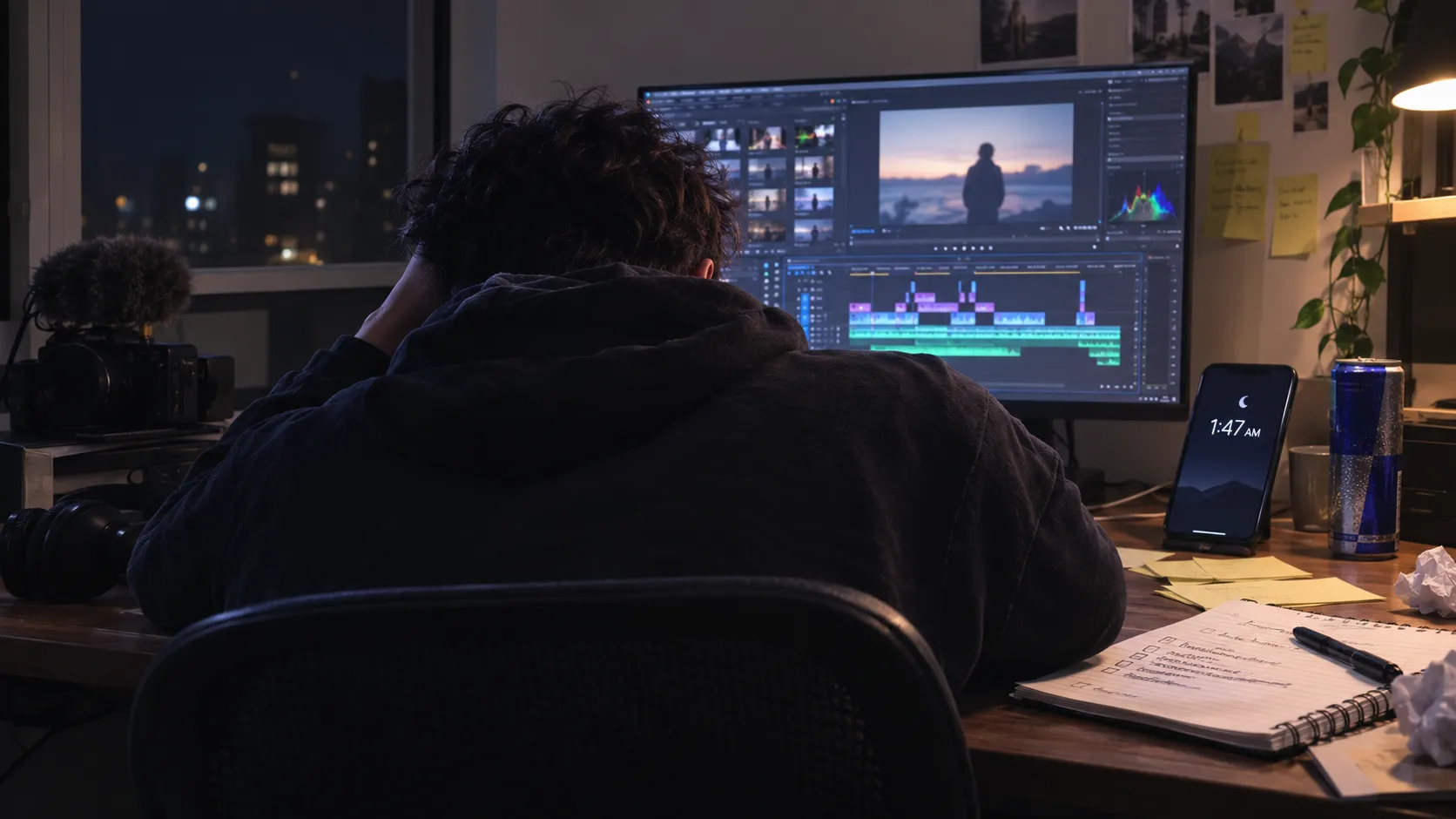
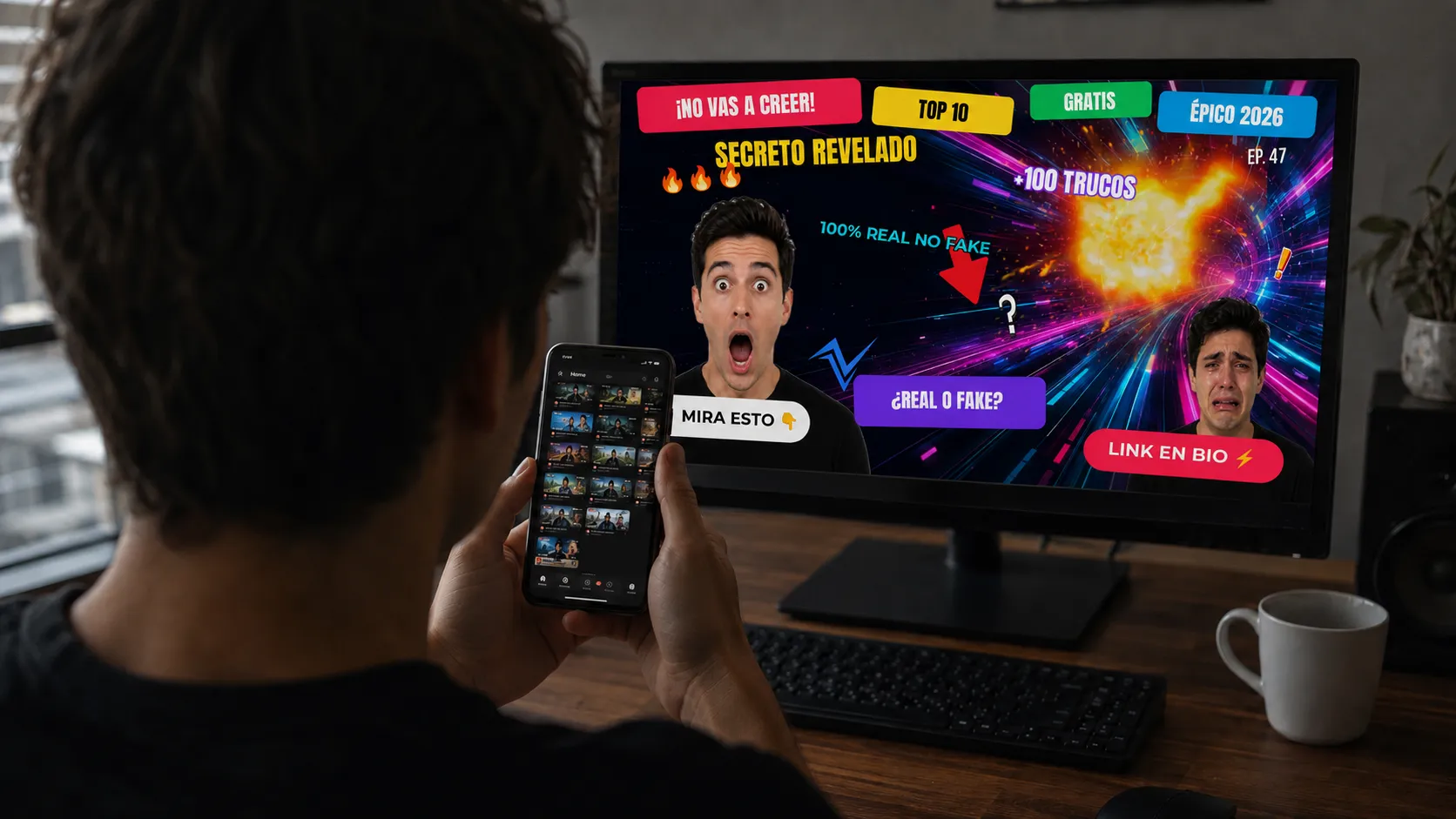
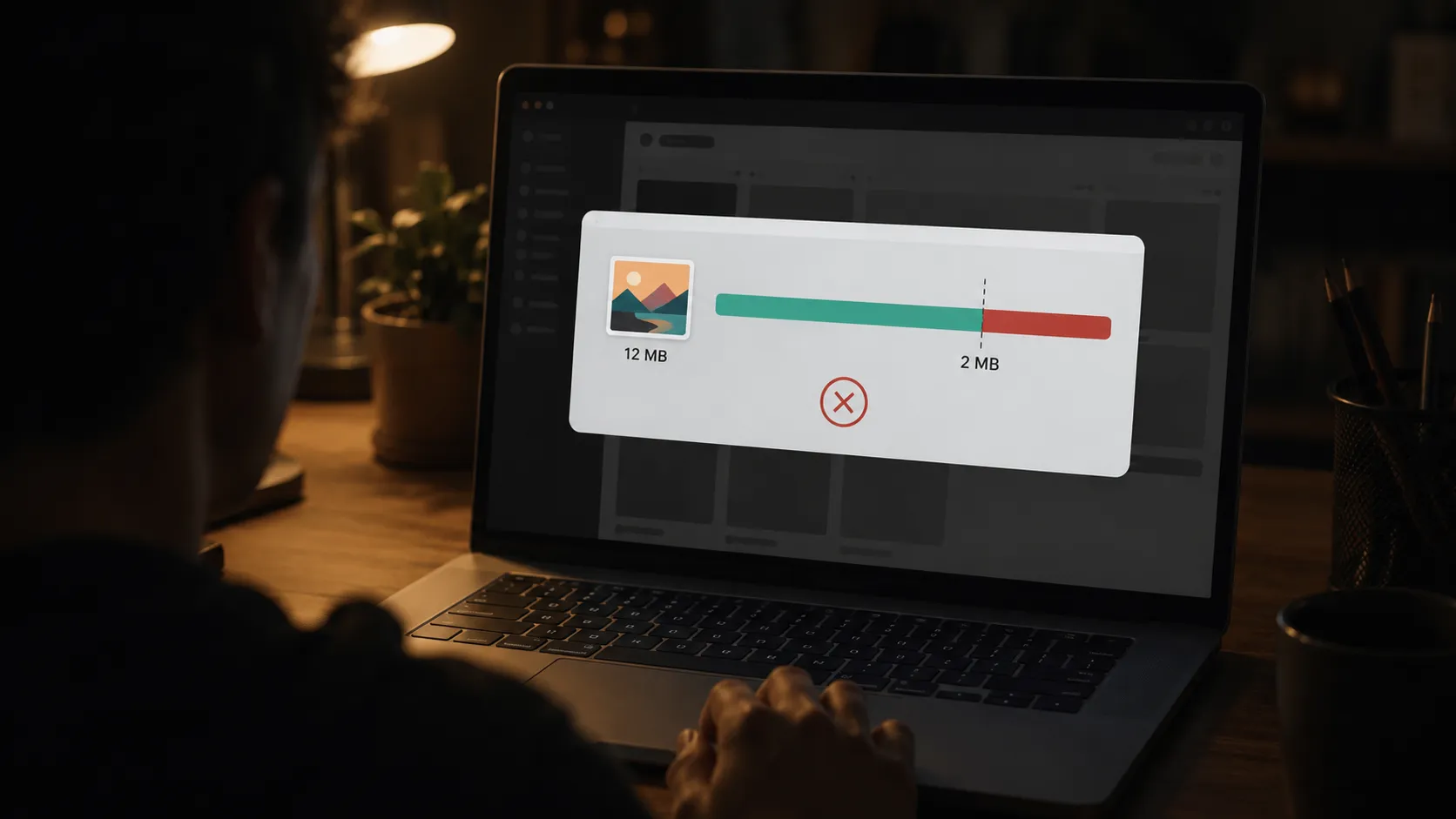
The four pains of making a thumbnail when you're starting out on your own.
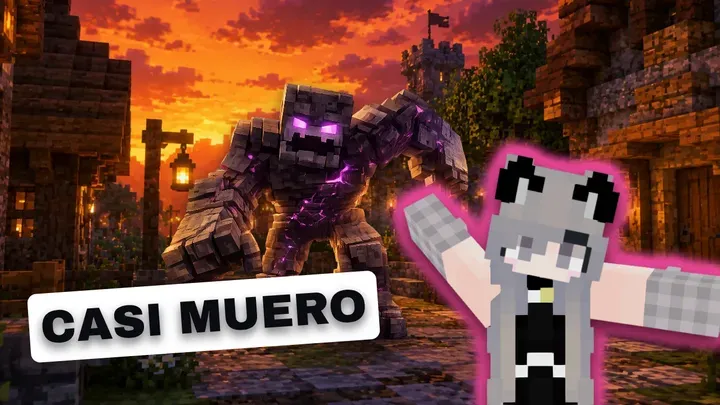
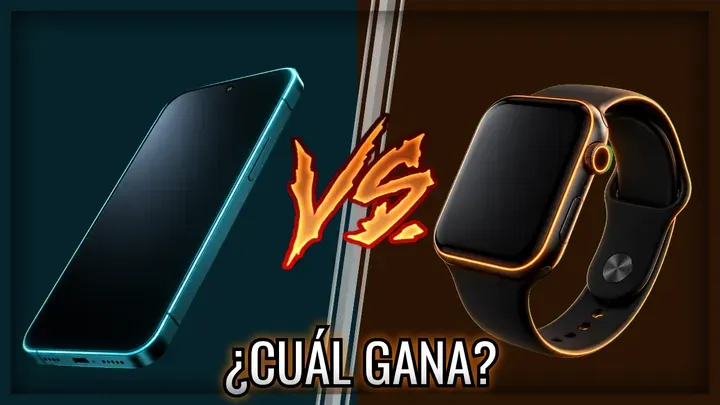
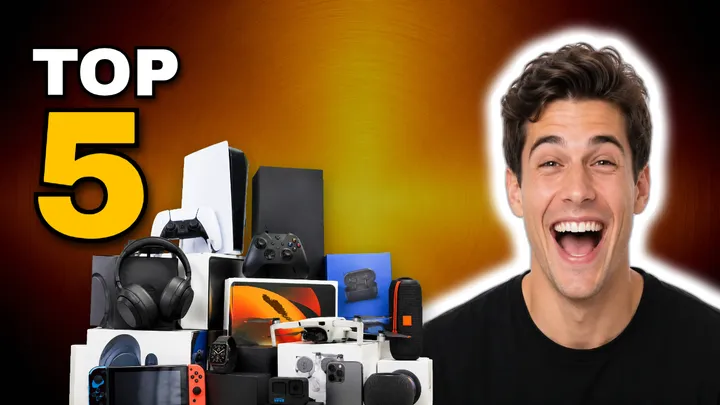
Templates and assets that already work in your niche.
In under 5 minutes: grab a proven template, swap in your text and your photo, and you've got a competitive thumbnail. No fighting a blank page at the last minute.
Go to gallery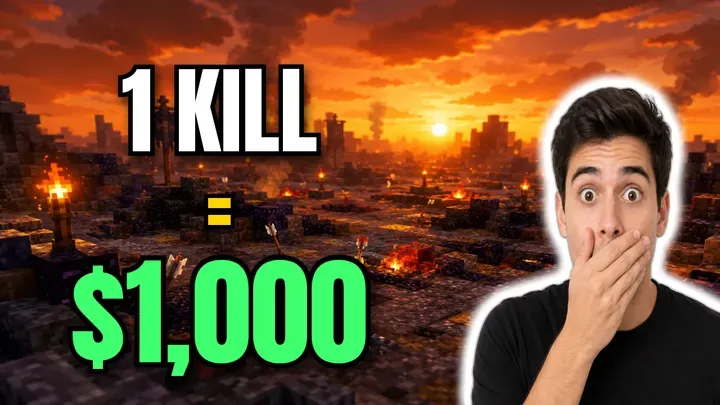
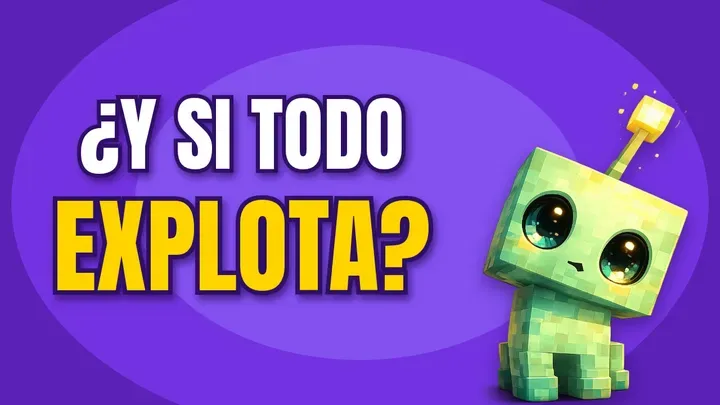
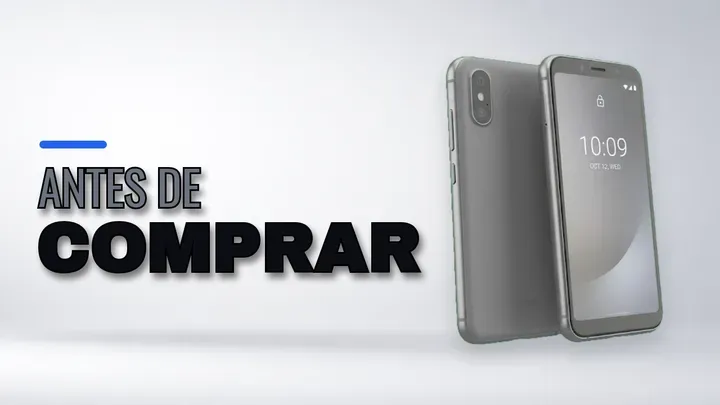
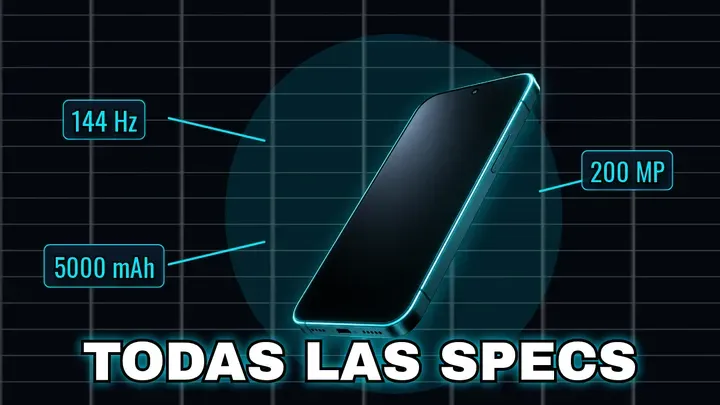
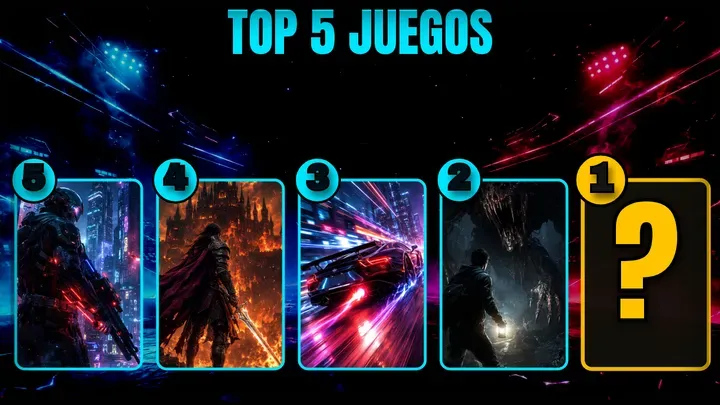
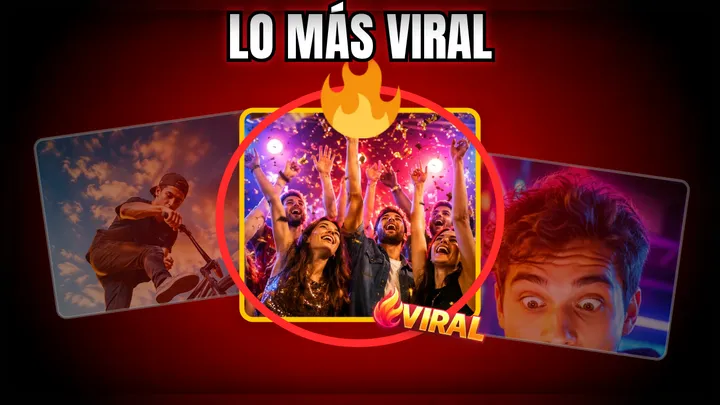
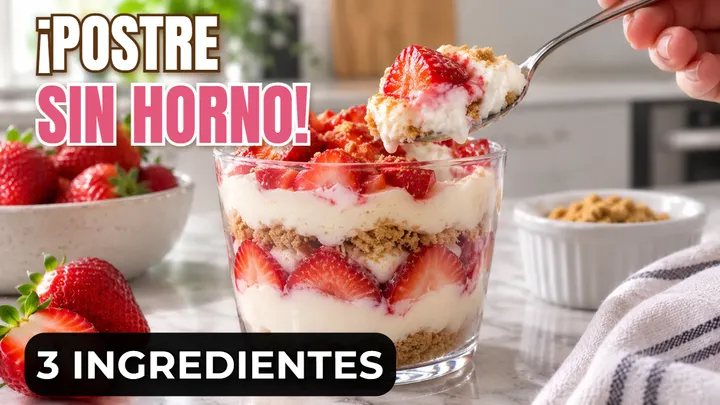
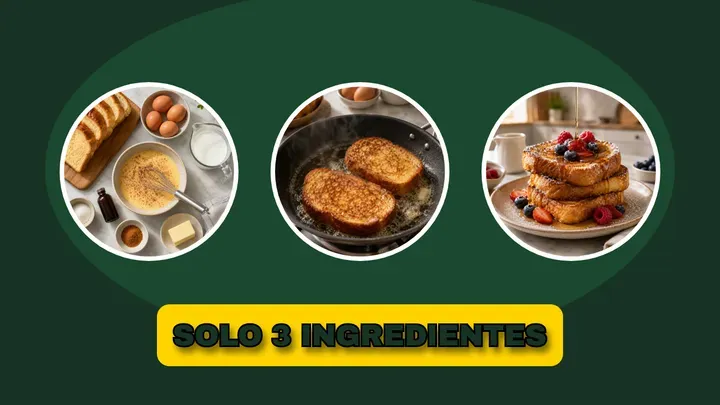
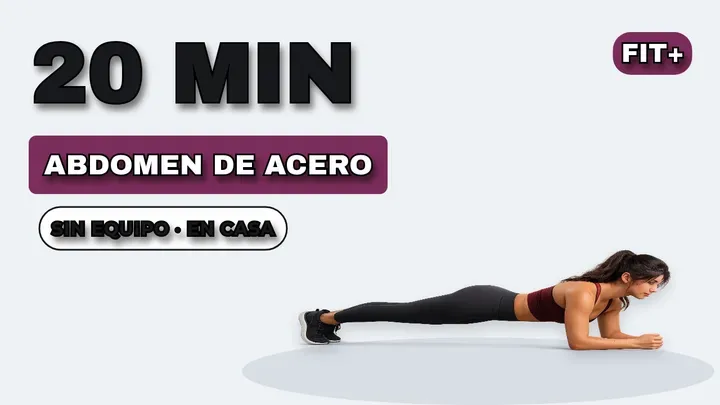
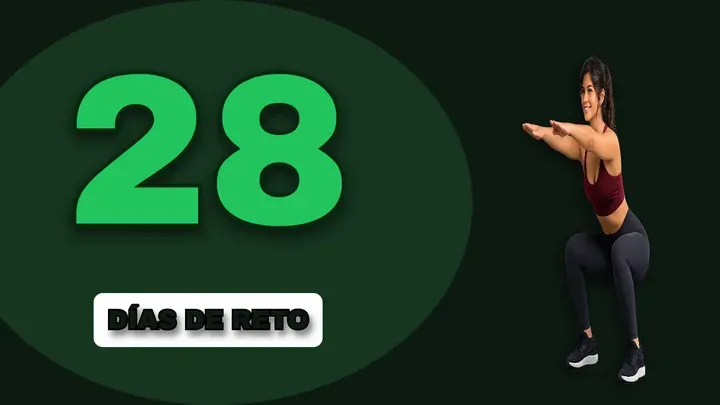
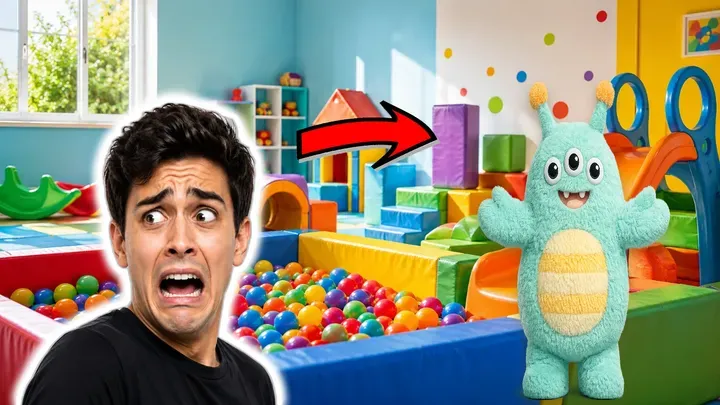
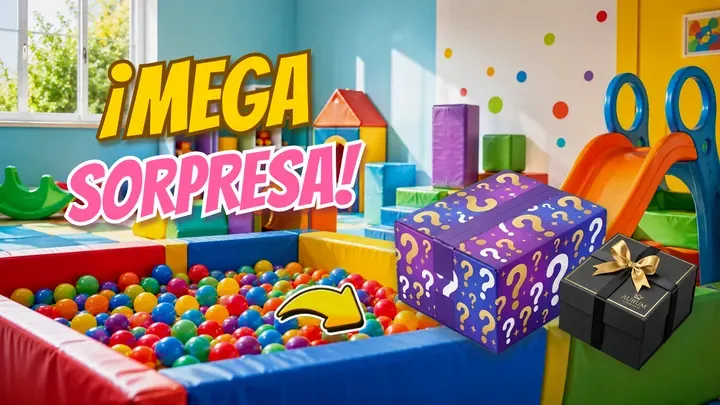
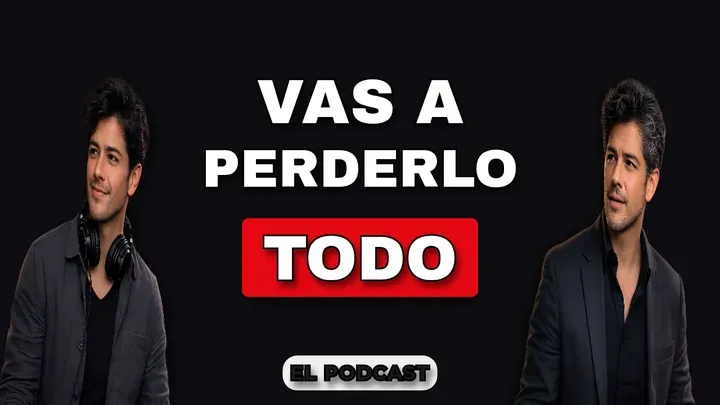
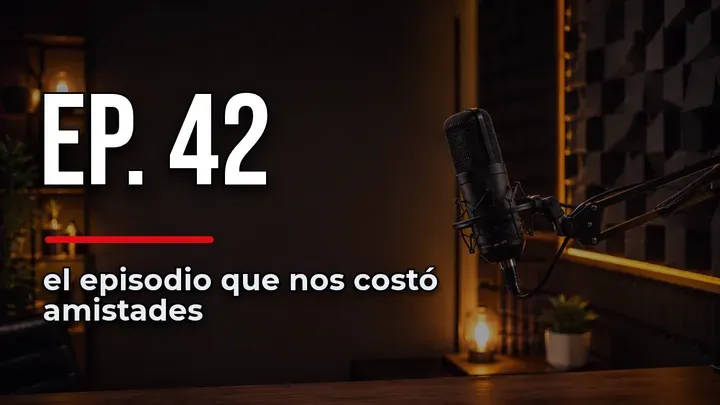
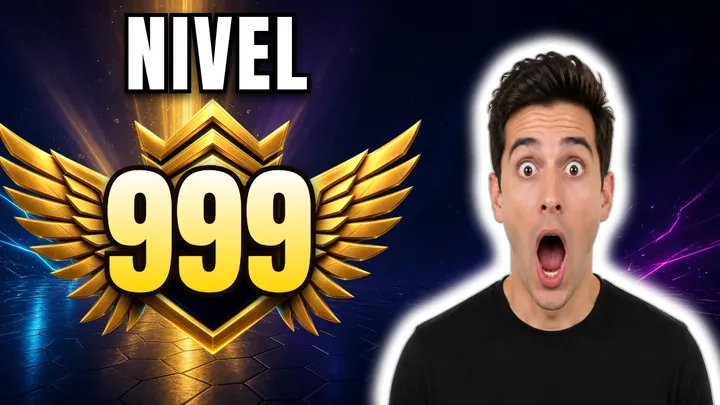
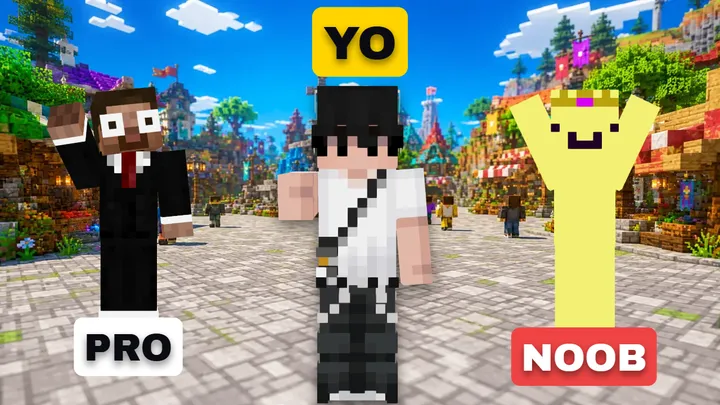
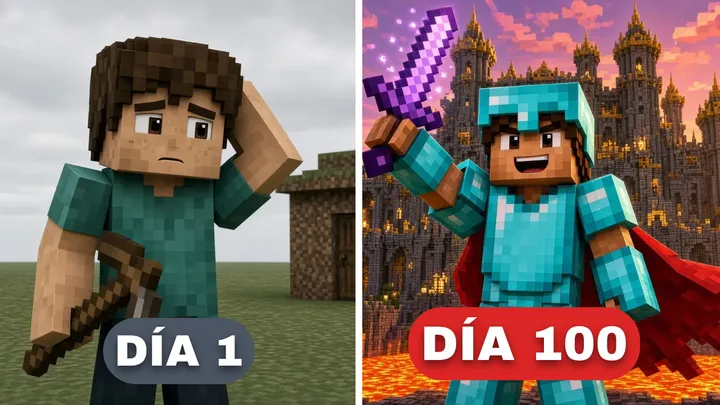
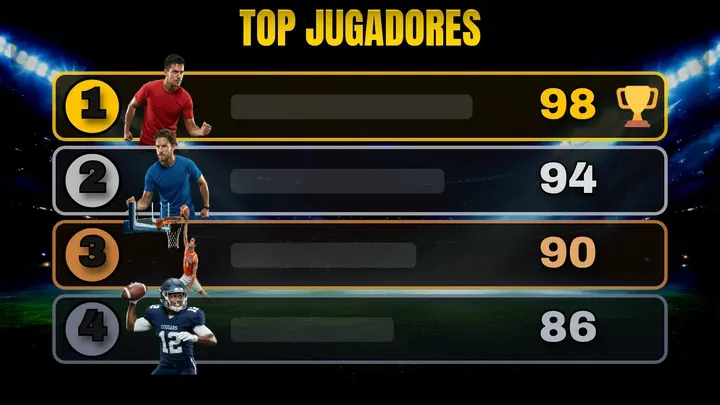

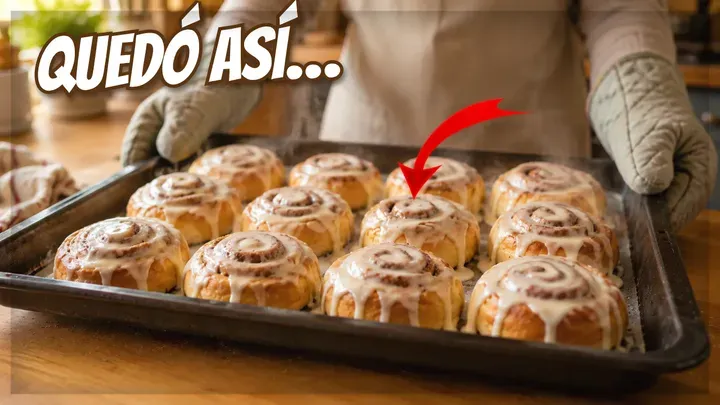
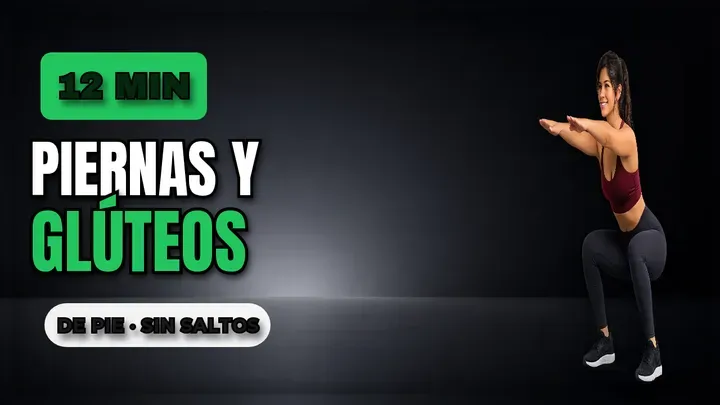
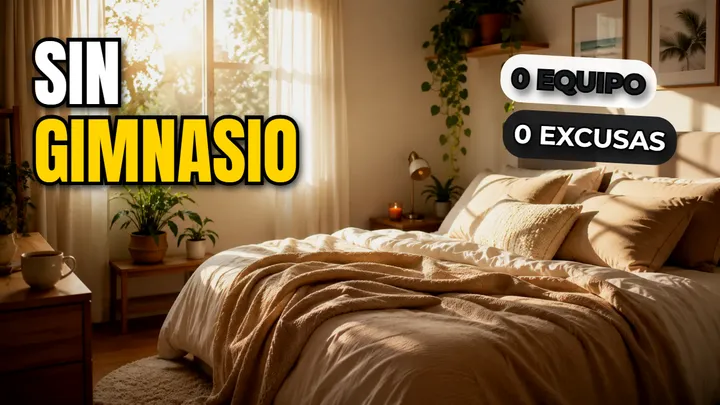
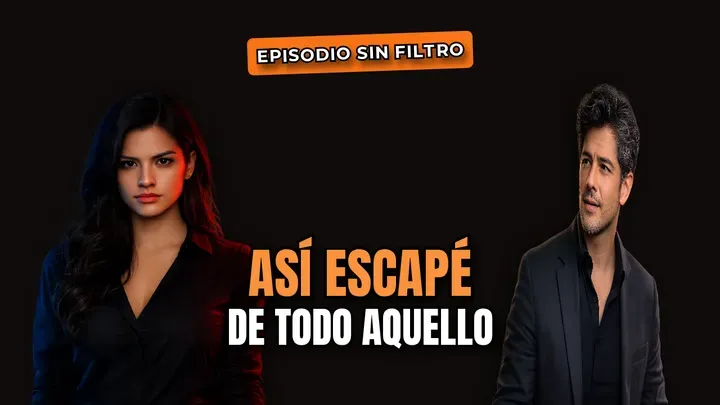
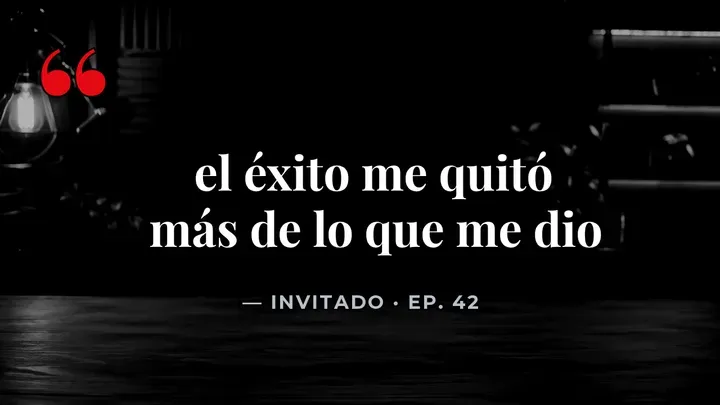
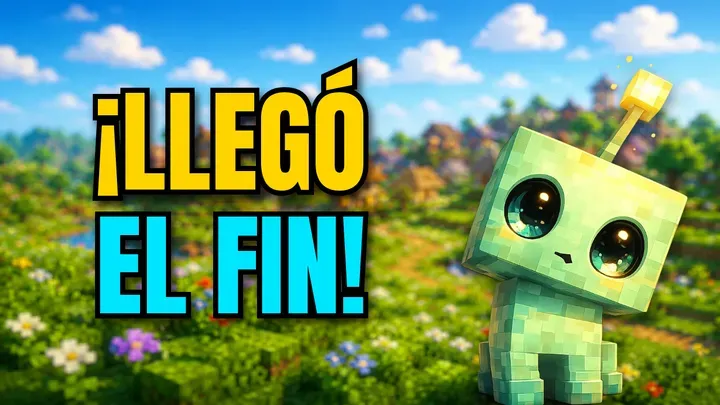
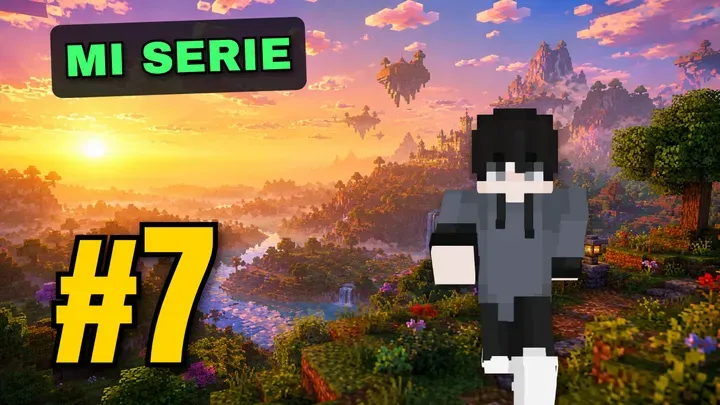
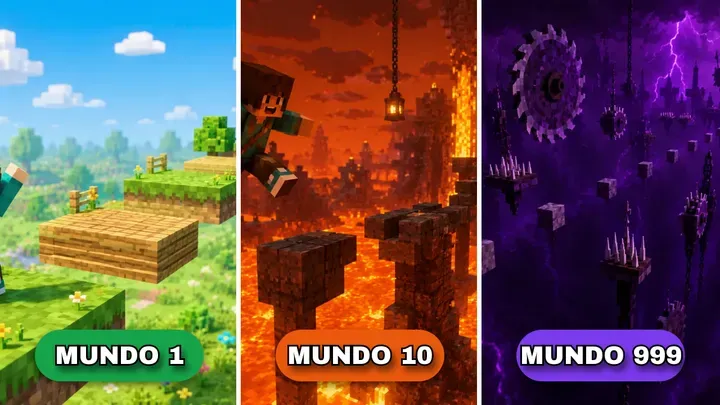
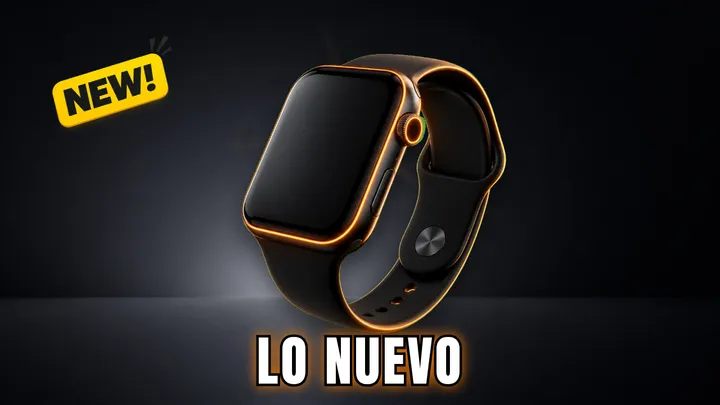
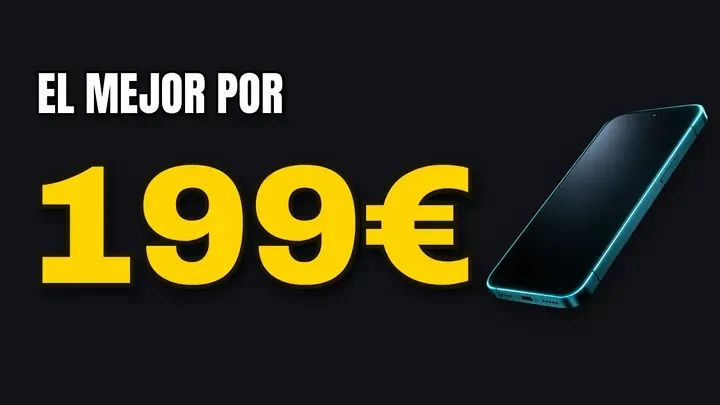
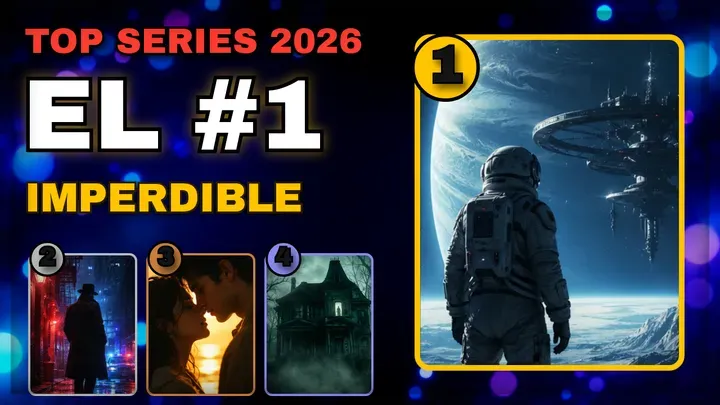
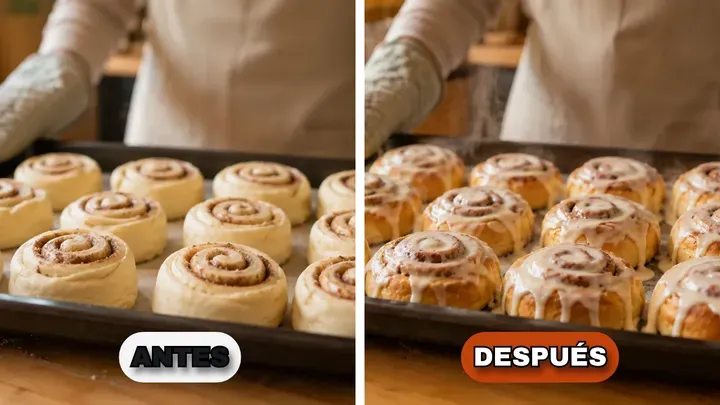

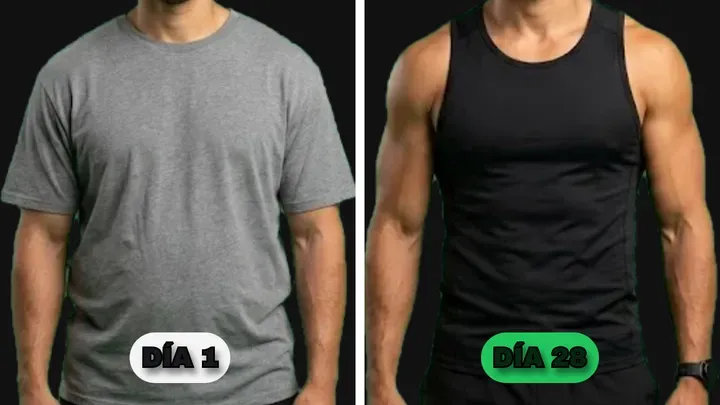
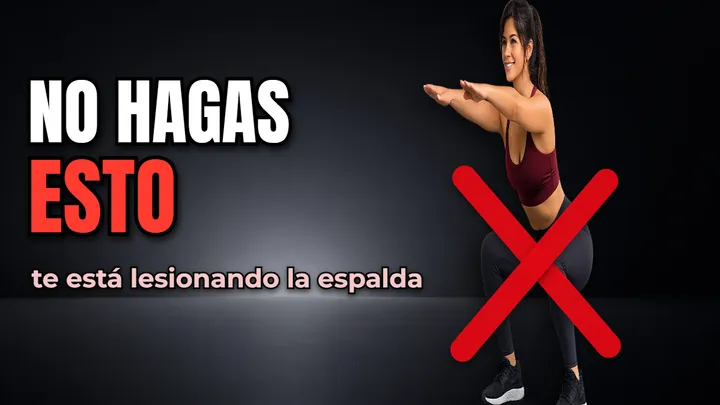
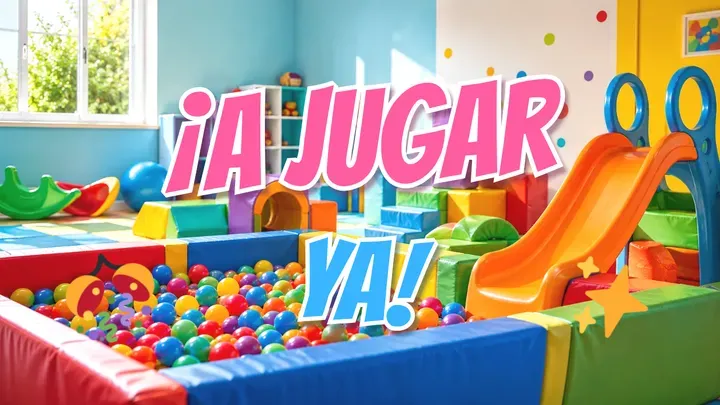
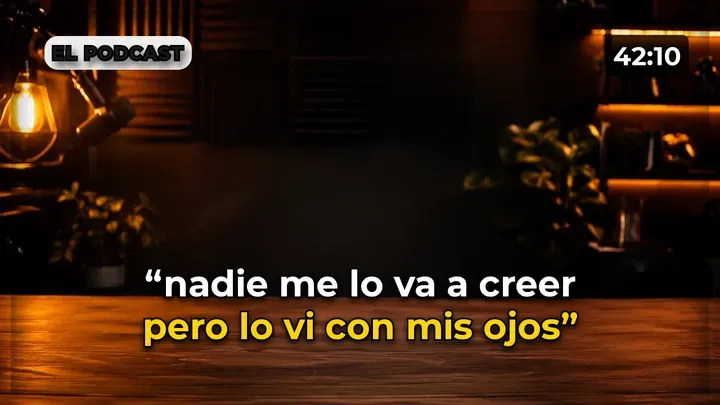
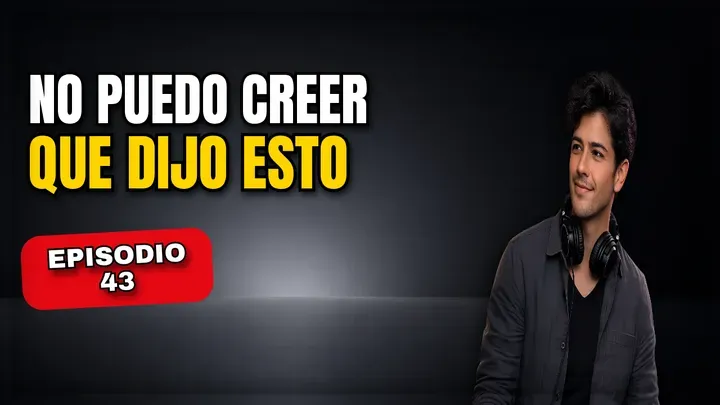
A simple editor, with only what you need.
No endless menus from an enterprise suite. Just the tools a thumbnail needs —text, images, shapes, background removal, your skin— and the standards we already know work.
Go to gallery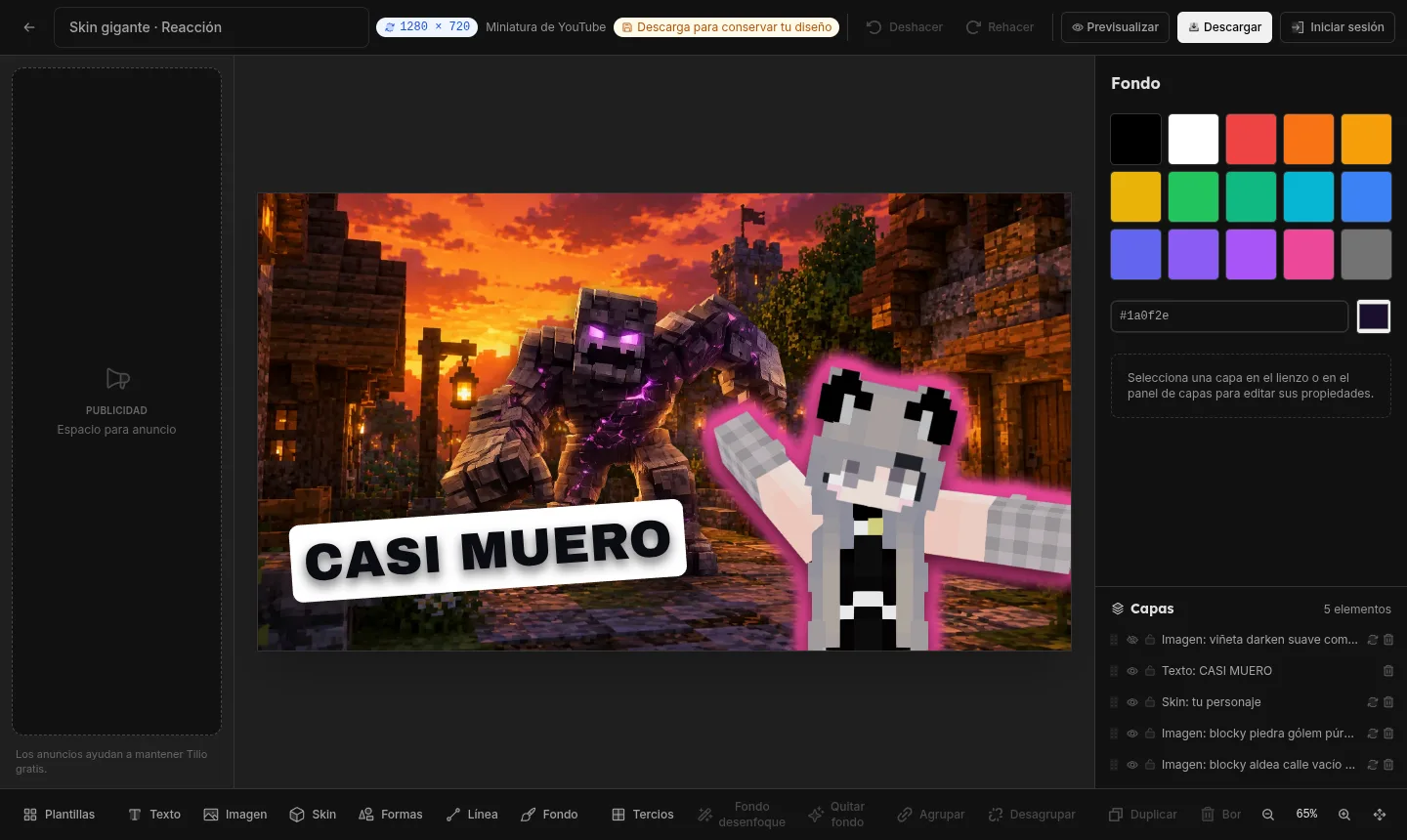
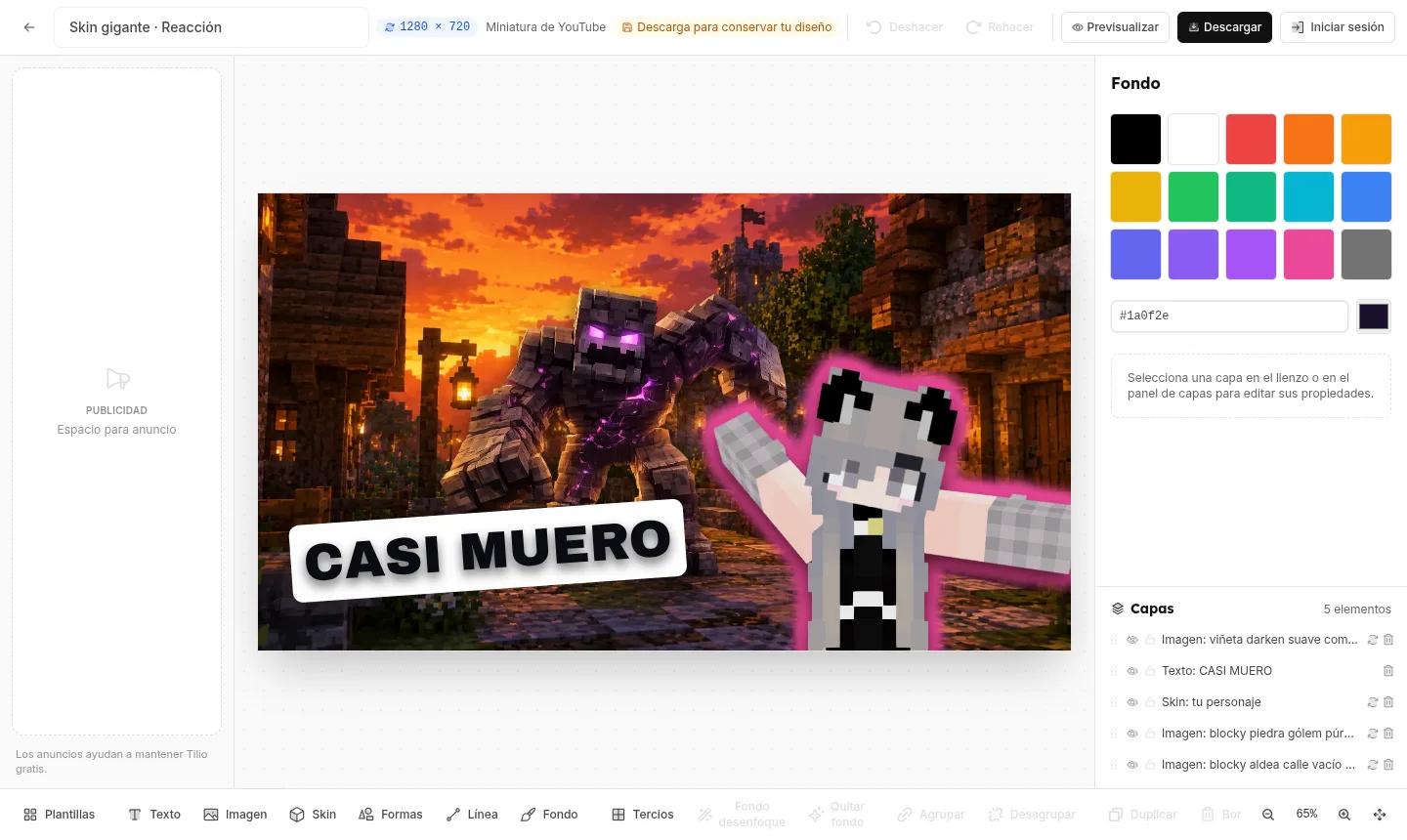
Everything in a single view
The canvas, your layers, and only the tools you need. No endless menus.
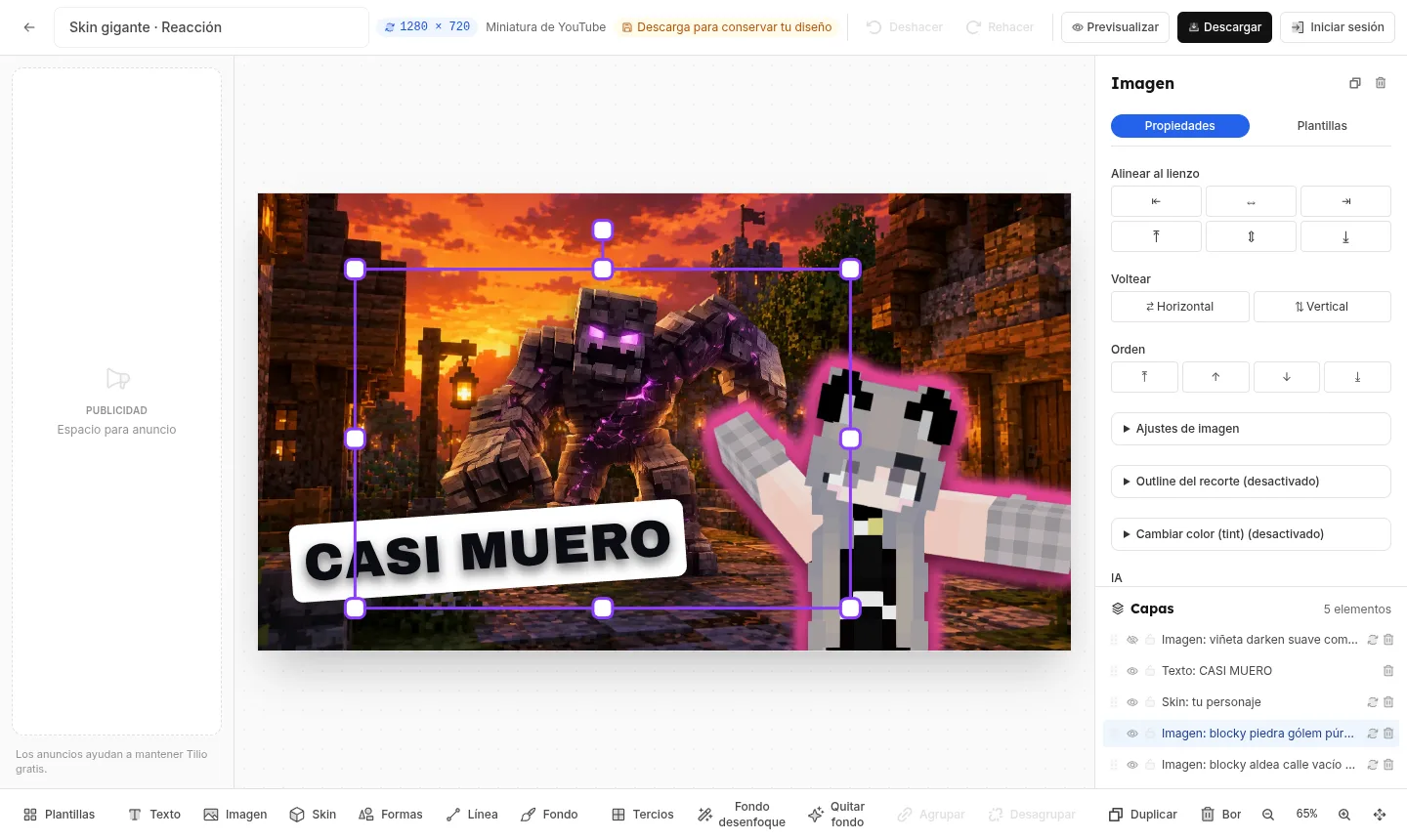
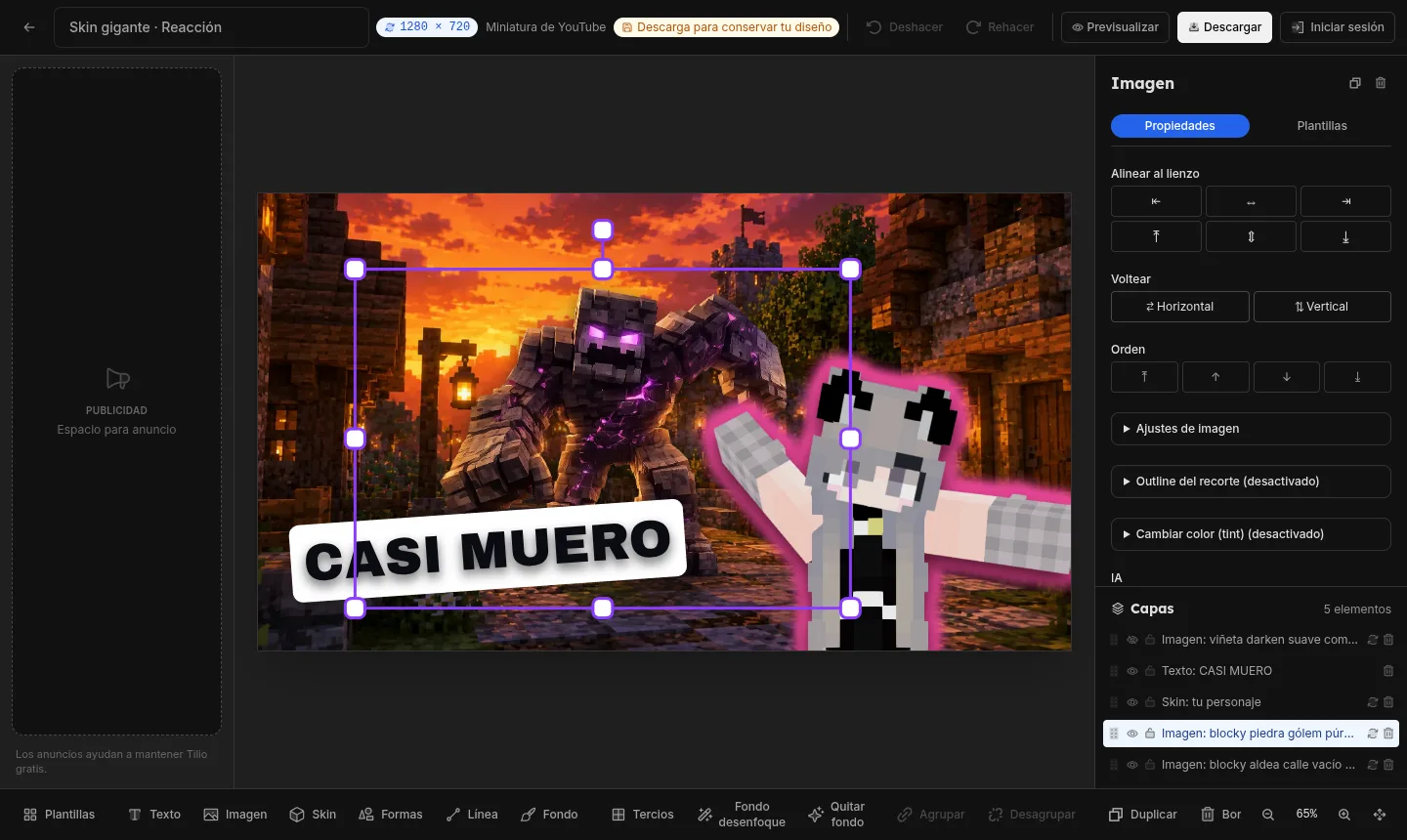
Every image, your way
Align it, flip it, reorder it, and add an outline —in one click, not twenty.
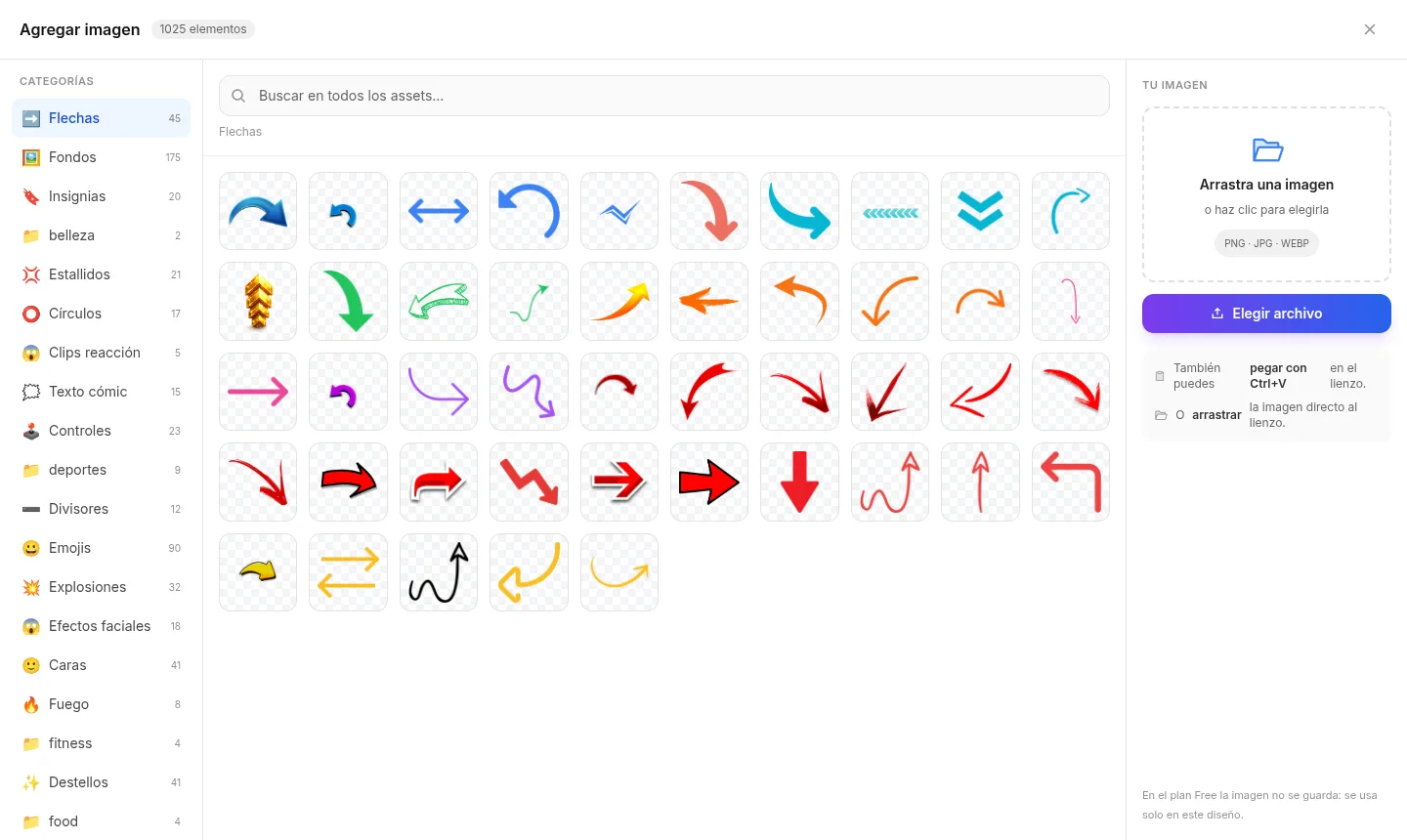
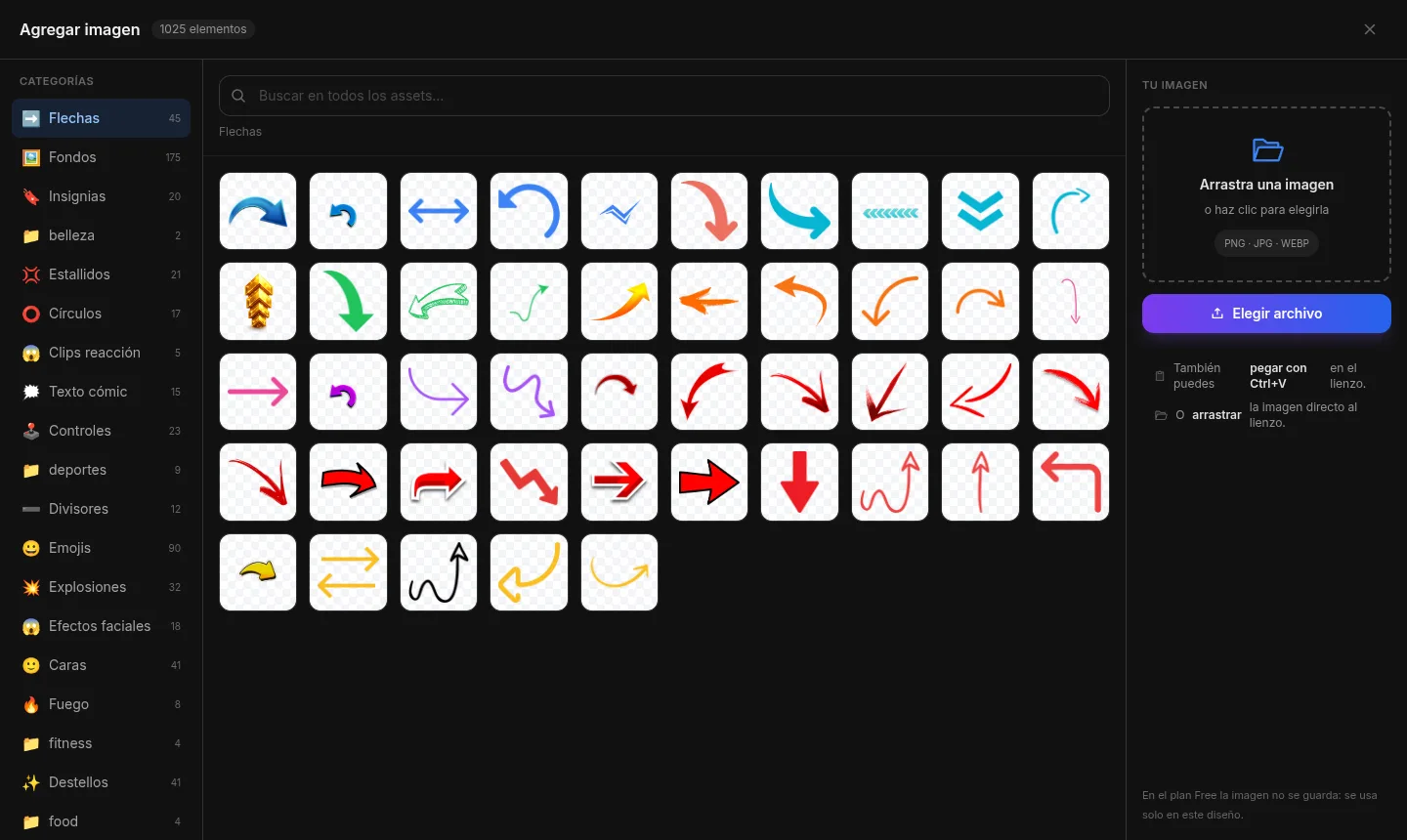
Hundreds of ready-made assets
Arrows, badges, emojis, fire… by niche, ready to drop in and keep going.
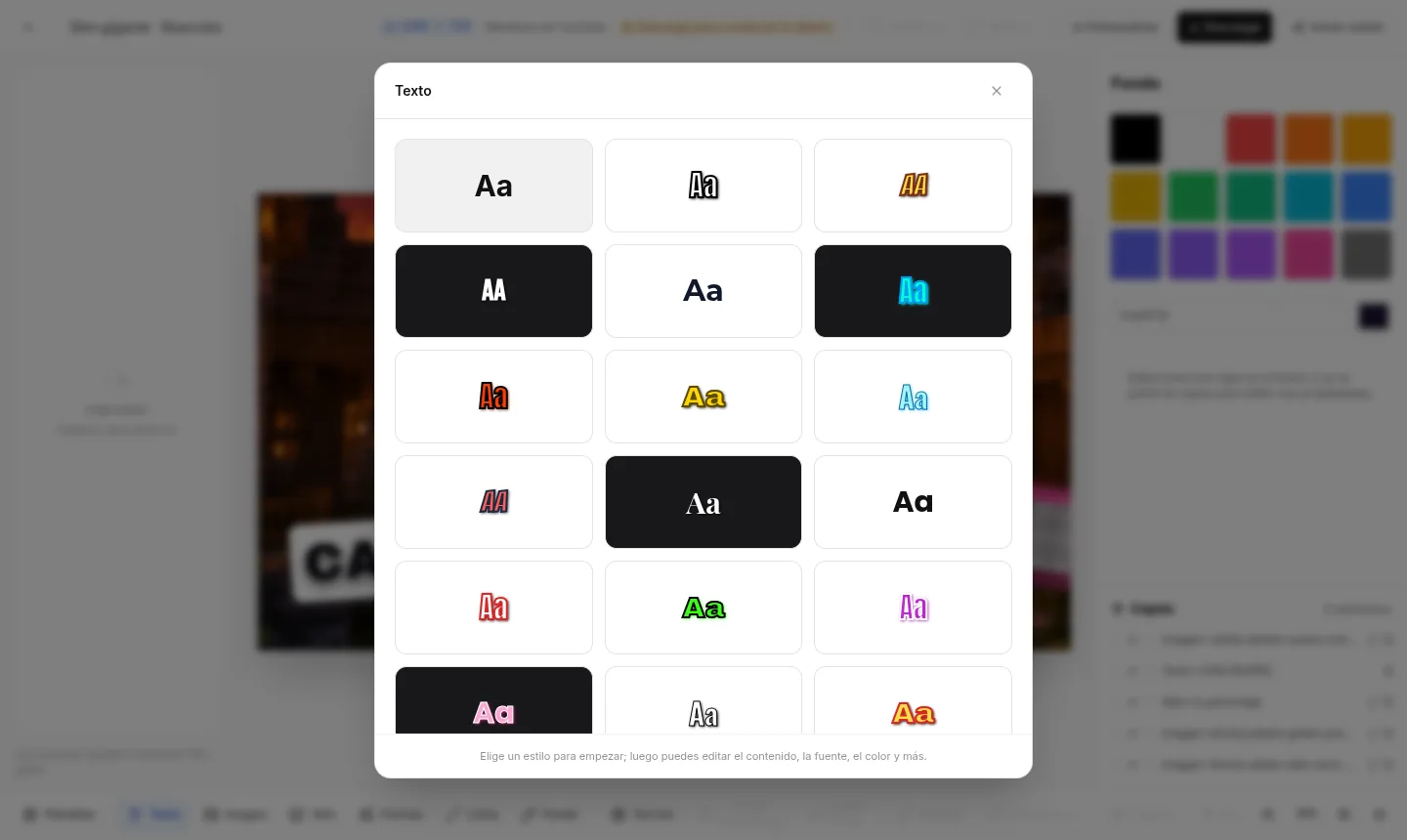
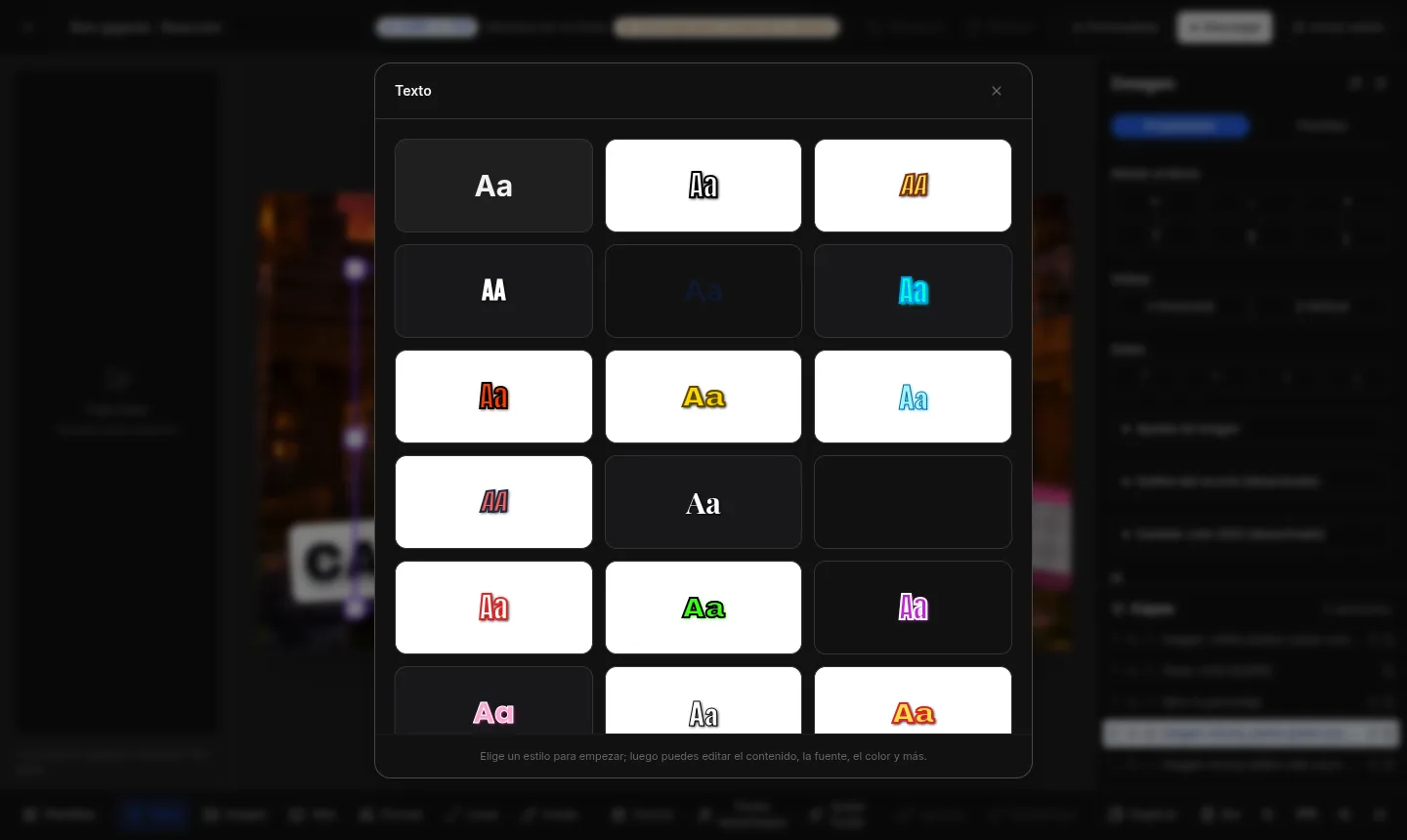
Text with proven style
30 ready-made styles: pick one and just change what it says.
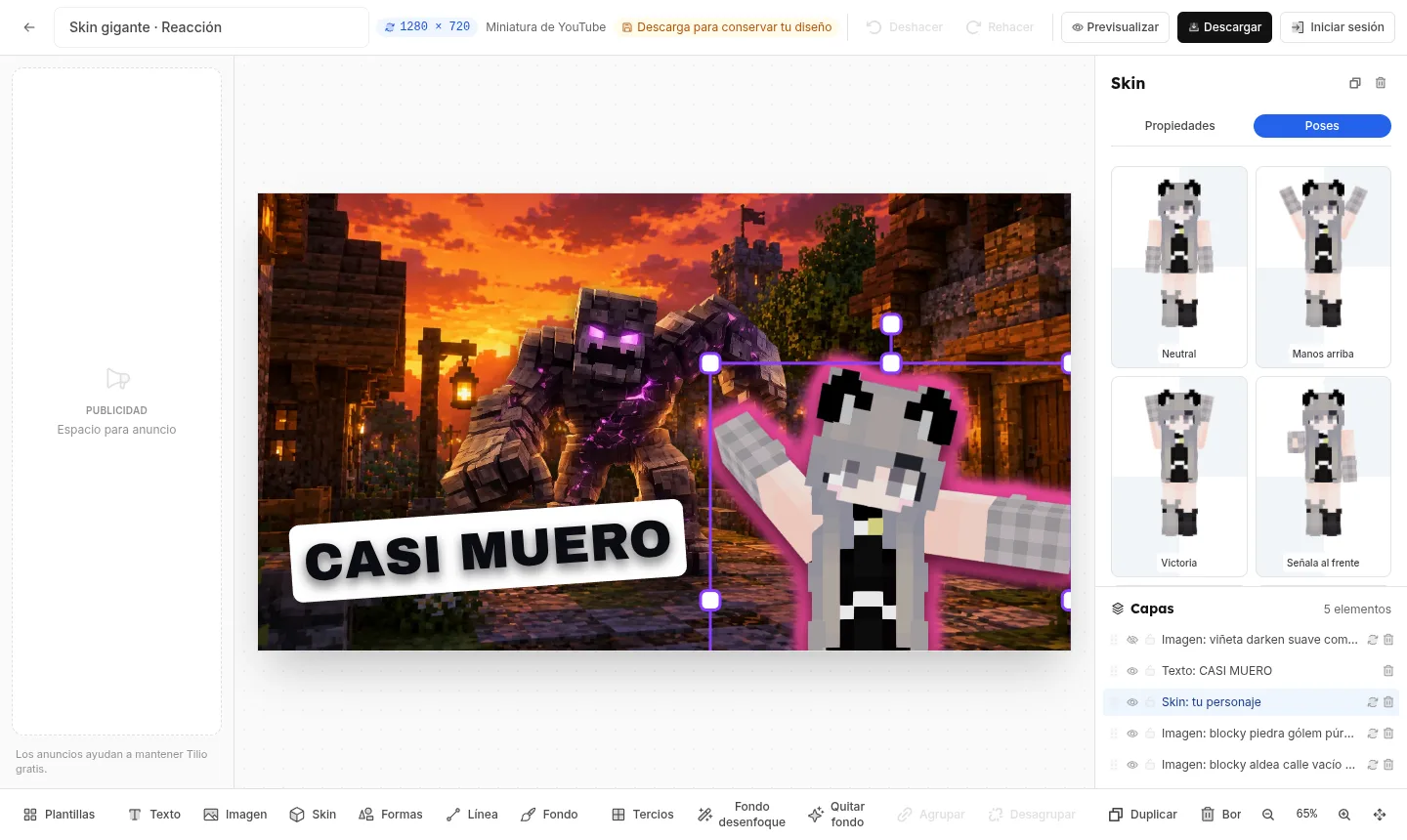
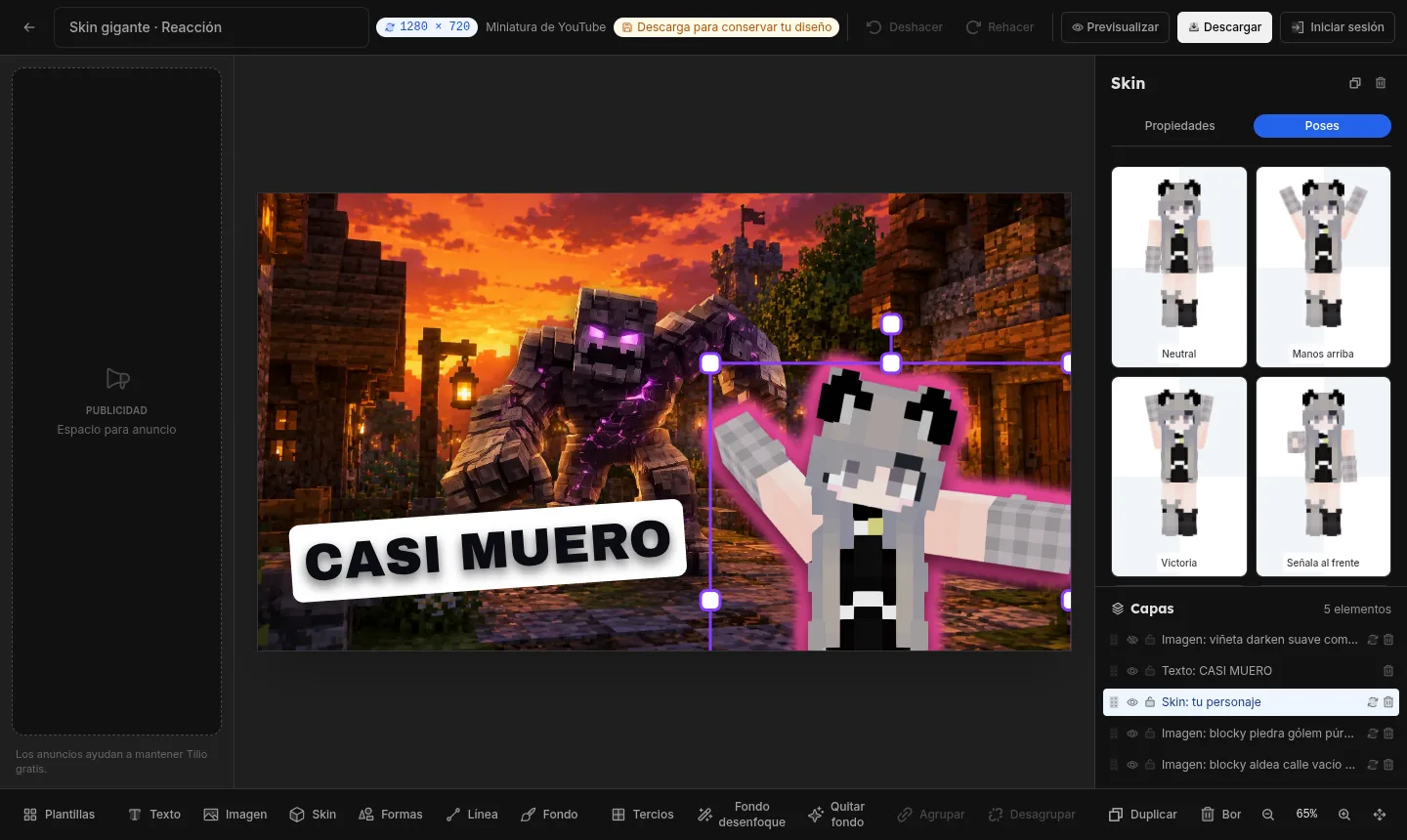
Use your Minecraft skin
Your character in 3D, in whatever pose you need — perfect for gaming without showing your face.
See it the way it'll look in the feed, not in a generic mockup.
Most people never check how their thumbnail looks where it actually shows up — and that's where their CTR drops. Klicova shows it to you in a faithful simulation of its destination: the channel homepage, the Shorts, TikTok and Reels profiles (that's where the vertical thumbnail actually shows), Instagram and Facebook posts —memes included— and your post on X. Simulated previews: we're not affiliated with any platform.
Go to gallery Your video12:04
How to make thumbnails that earn the click
Your Channel · 84K views
 12:04
12:04Gaming setup 2026: the best I've tried
TechReview · 245K views
 12:04
12:04Top 10 gaming PCs under $1000
GamerLATAM · 1.2M views
 12:04
12:04My room transformed in 7 days
DesignVlog · 456K views
Your Channel ✓
@yourchannel · 590K subscribers · 483 videos
 ▷ 702K
 ▷ 143K
 ▷ 206K
 ▷ 114K
 ▷ 1.1M
 ▷ 4.8M
Your Channel
@yourchannel
Thumbnails that earn the click ✨
Pinned▷ 702K▷ 143K ▷ 206K
 ▷ 114K
 ▷ 1.1M
 ▷ 4.8M
3,214 likes
yourchannel new cover for today's video 🎯
2 hours ago
yourchannel ▾
☰Your Channel
Thumbnails that earn the click ✨
▷ 702K▷ 143K▷ 206K▷ 114K▷ 1.1M ▷ 4.8M
Your Channel
2 h ago · 🌐
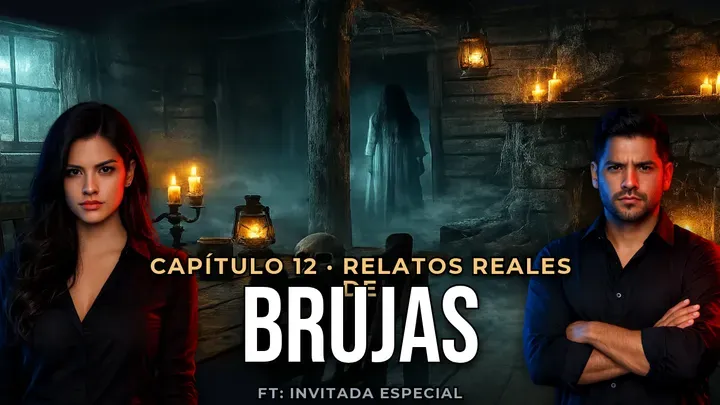
New video — here's how the thumbnail turned out 👇
Your Channel
2 h ago · 🌐
LOL tag whoever does this 😂
Your Channel @yourchannel · 2 h
It's live 🔥 opening a thread with the behind-the-scenes 🧵
Download it at the exact size for each platform.
Klicova exports it within the maximum size and weight each platform allows, so it never gets rejected on upload. No more 'it won't fit' —no cropping or compressing afterward in another app.
Go to galleryAt the size and weight each platform accepts. No compressing afterward.
From idea to thumbnail in minutes.
Three steps, no learning curve, nothing to install.
- 1
Pick a template
Filter by format and niche until you find the one that already works for you.
- 2
Edit it your way
Change text and colors, upload your photos, remove backgrounds, and add your skin.
- 3
Download it
A clean PNG, at each platform's official size.
Frequently asked questions
Not to browse the gallery. To use the editor, yes: you create your account in a minute, accepting the Terms, the Privacy Notice, and the board rules. That's how we keep Klicova safe and in order for everyone.
Yes. Klicova shows third-party ads in clearly marked spaces inside the gallery and the editor —never on this page—. They don't affect your designs or your downloads.
They weigh just what they should: they come out at each platform's official size, so you don't have to crop or compress them in another app. With a subscription they're clean. On the free plan, the first download each month is clean and the rest carry a small Klicova mark in the bottom-left corner.
Horizontal 16:9 for YouTube, vertical 9:16 for TikTok and Shorts, and square 1:1 for the feed. The same template exists in all three: pick the format and you're set.
Of course. Replace any image with your own, remove its background for free in one click, or drop in your 3D character/skin if you don't want to be on camera.
No. Background removal and the editor run inside your browser; your photos never leave your device.
Your content is already good. Let the thumbnail prove it.
Don't let a rushed cover decide how many people see you. Choose one that earns the click.